Educational
What Is a Guitar Pro File?
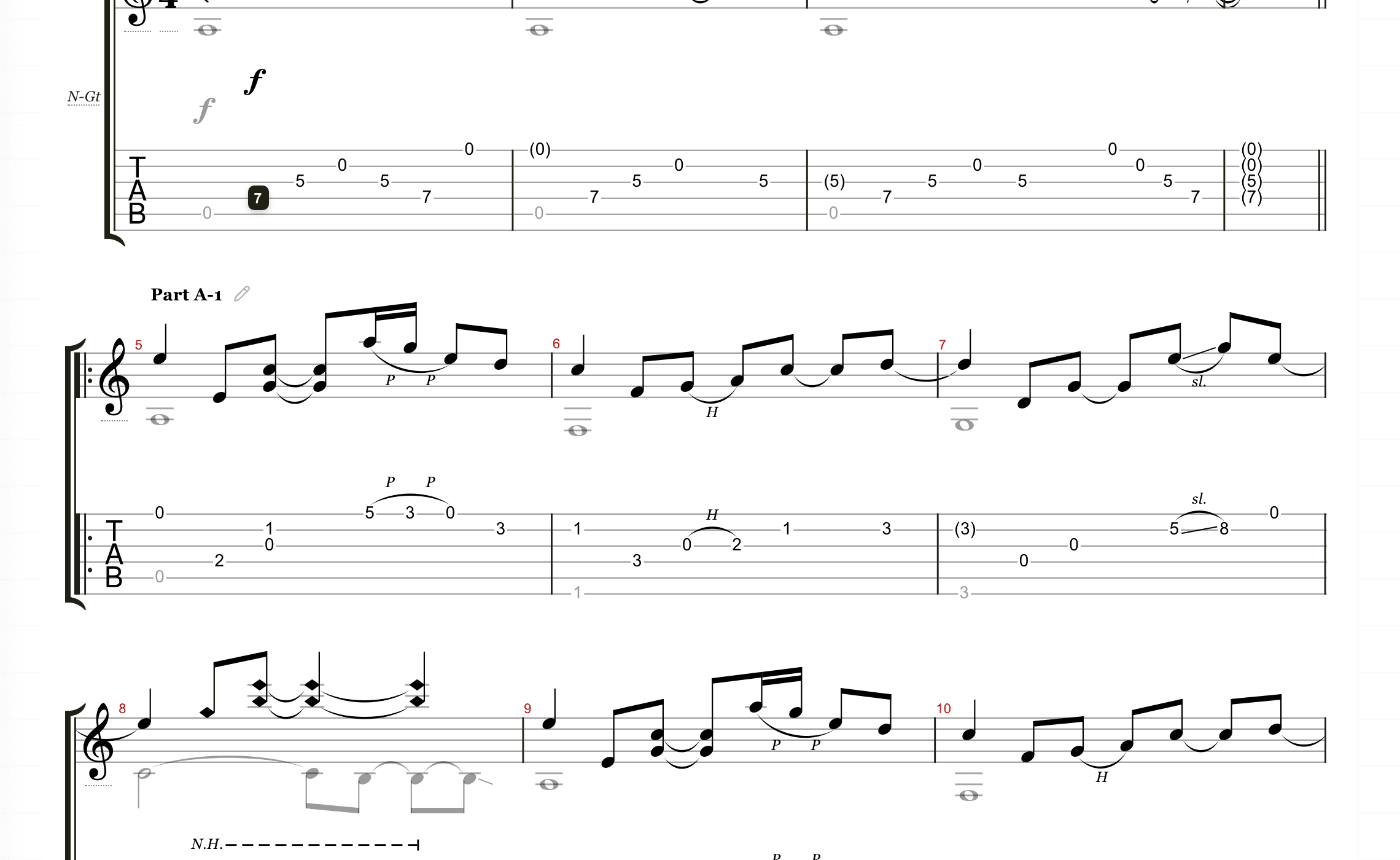
A Guitar Pro file is more than a screenshot of tablature. It can store notes, rhythm, measures, tracks, tempo, and playback data for a song or arrangement.
 By the Tabtify teamUpdated October 5, 20267 min read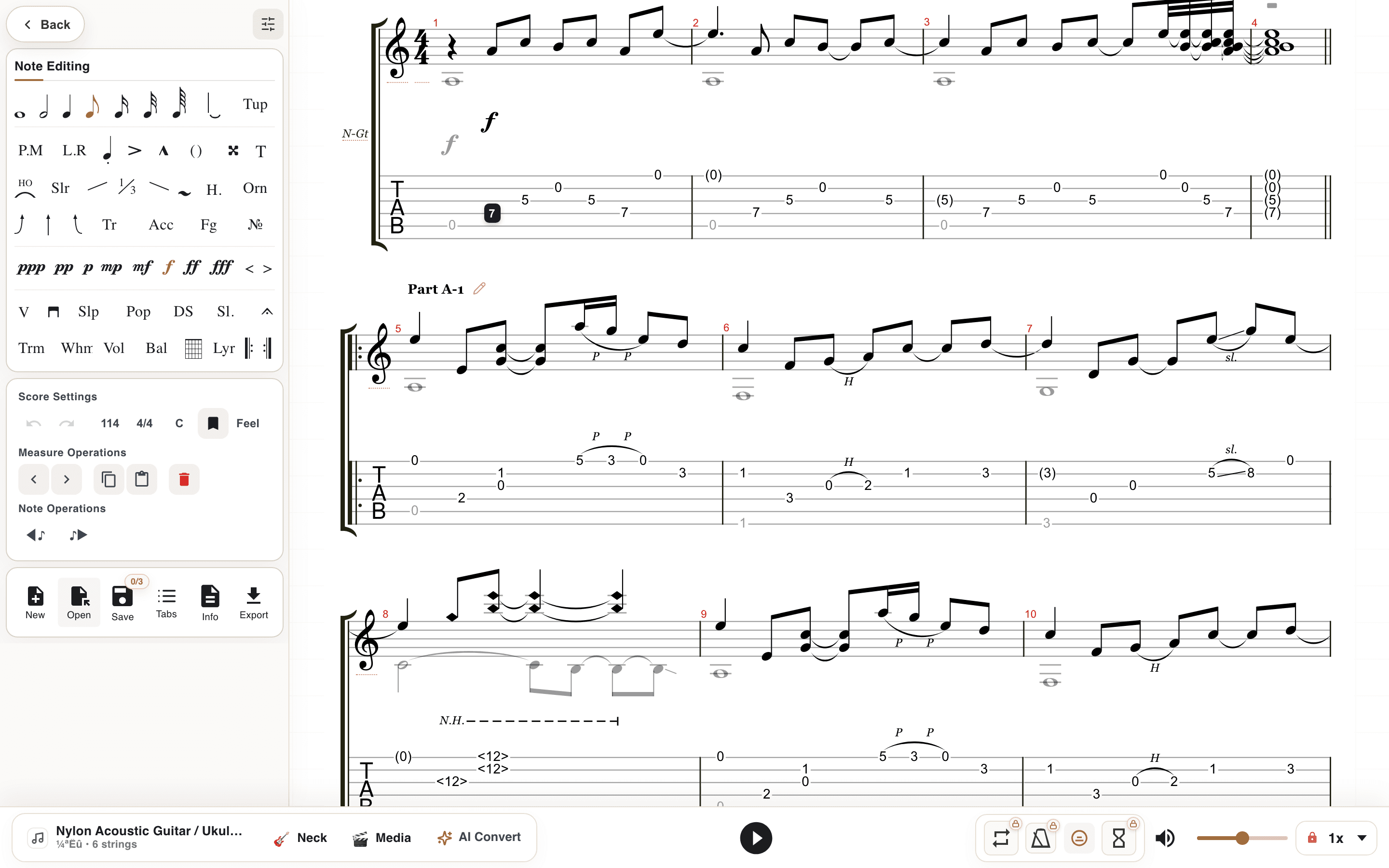
In short: Learn what Guitar Pro files are, how GP3, GP4, GP5, and GPX tabs work, and when to use them for guitar practice and editing.
Common Guitar Pro formats
Guitar Pro style tabs often appear as GP3, GP4, GP5, or GPX files. Each extension marks an era of the desktop app: GP3 and GP4 from the early years, GP5 from 2005, GPX with Guitar Pro 6, and plain .gp from Guitar Pro 7 onward. The user intent is usually the same: open, play, edit, and practice the tab.
Unlike a screenshot or plain text tab, these files carry timing, tracks, repeats, articulations, and playback information. That is why a 20-year-old GP3 file can still turn into sound today, while a tab screenshot from last week is already frozen.
Why players still use GP5
GP5 is widely shared because it balances compatibility and detail. Many guitarists use it for tabs with multiple tracks, timing, repeats, and playback.
For browser tools, GP5-style support is useful because players often have older files they still want to open without installing a desktop editor.
How Tabtify uses Guitar Pro style files
Tabtify can open Guitar Pro style files in the browser, play them back, and connect generated AI tabs to an editing workflow.
That means a file can be both a source and an output: you can open existing material, or create a new draft from audio and keep refining it in a familiar tab workspace.
Open a Guitar Pro file without Guitar Pro
You do not need the desktop app to read these files. A browser editor can open GP3, GP4, GP5, GPX, and GP directly: drag the file in, press play, and the tab scrolls with the audio.
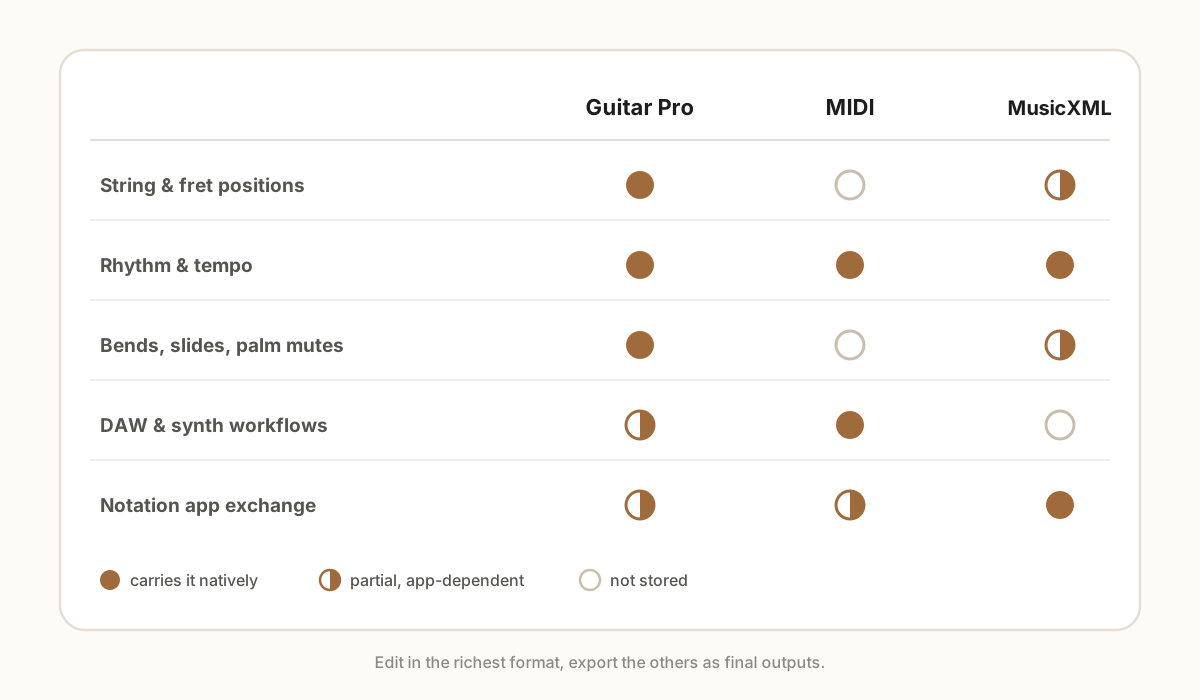
From there the file stops being read-only. Change notes, adjust tempo, mute tracks, or export the same music as MIDI or MusicXML for other software. For a file someone sent you years ago, this is usually the fastest way to find out what is inside.
Guitar Pro file vs PDF tab
A PDF is easy to print but hard to edit. A Guitar Pro style file is better for playback, correction, practice loops, and exports.
Use PDF when you want a fixed page. Use an editable tab file when you expect to change notes, tempo, fingering, or arrangement details.
What is actually inside the file
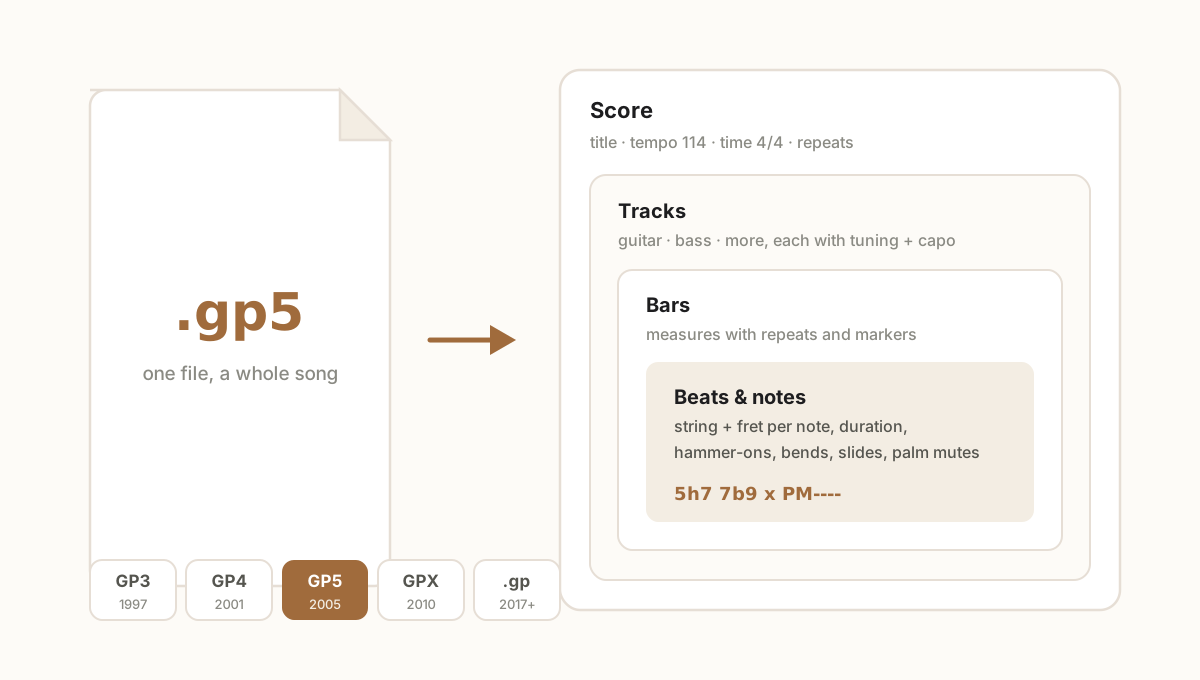
Think of the file as nested boxes. At the top sits the score: title, tempo, time signature, and section markers. Inside it, tracks - one per instrument, each with its own tuning, capo, and sound. Tracks hold bars, and bars hold beats: every note knows its string, its fret, its duration, and any technique attached to it - a hammer-on, a bend with its target pitch, a palm mute.
That structure is what makes the format powerful. Change the tempo and playback follows. Move a note to another string and the tab renumbers itself. Mute the bass track and practice over the guitar alone. None of that is possible with an image of a tab, because an image stores none of the structure.
Common questions
Can I open GP5 online?
Yes. Tabtify can open Guitar Pro style files in the browser so you can view and play tabs without starting from a blank editor.
Is GPX the same as GP5?
No. GPX and GP5 are different Guitar Pro era formats, but both are used for playable tablature workflows.
Can AI output a Guitar Pro style tab?
AI can create an editable tab draft that can move through a Guitar Pro style workflow after review and cleanup.
Can I convert a GP5 file to PDF?
Yes. Open the file in an editor that exports PDF, check the layout, then export. In Tabtify that is free: drop the file into the Guitar Pro to PDF tool, pick the track, and download it.
Have a recording of the part?
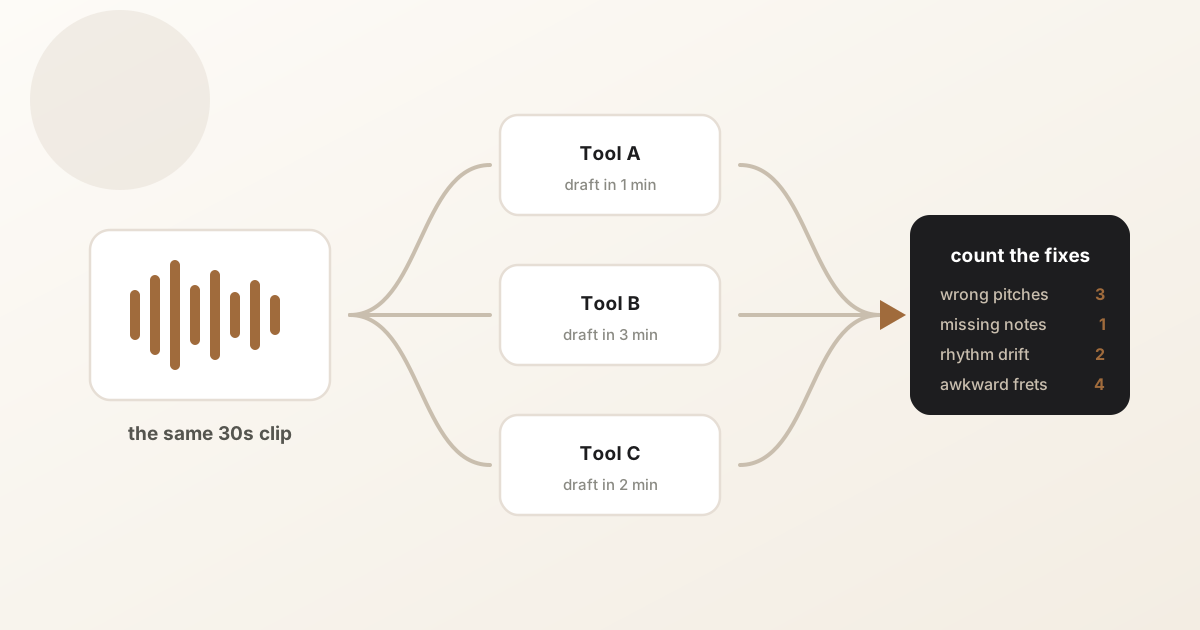
Upload it and get an editable tab draft you can check bar by bar against the original. Conversion is included with Pro.
Next steps
Try it on your own recording
Related guides
All guides