
MP3 to Guitar Tab Converter
Use an MP3 when it is the cleanest source you have. Tabtify converts the audio into a playable tab draft you can edit, loop, and export.
Or drag and drop here
MP3, WAV, M4A, OGG, FLAC, AAC, AIFF, MP4, WEBM, .mid or .midi
GP5, GPX, GP, MusicXML, MXL
Guitar, bass, 7-string or ukulele. Free export to Guitar Pro, MIDI, PDF, and MusicXML.
AI-Powered Guitar Tab Generation
Paste a link or file, get an editable draft, then play and export in the browser.
01
Paste a link or upload audio
YouTube, TikTok, Instagram, MIDI, or a recording.
02
AI writes the tab draft
Notes and rhythm land as an editable guitar tab.
03
Play, tweak, export
Loop hard bars. Export GP5, MIDI, PDF, MusicXML.
Use cases
What players convert here
Phone demos
A riff recorded on your phone and exported as MP3 converts fine. Upload the take and tidy the timing in the editor.
Downloaded lessons
Convert lesson audio you own into a tab you can loop bar by bar instead of scrubbing through the file.
Band practice takes
Turn a rehearsal recording with a clearly audible guitar into a draft you can refine in the editor.
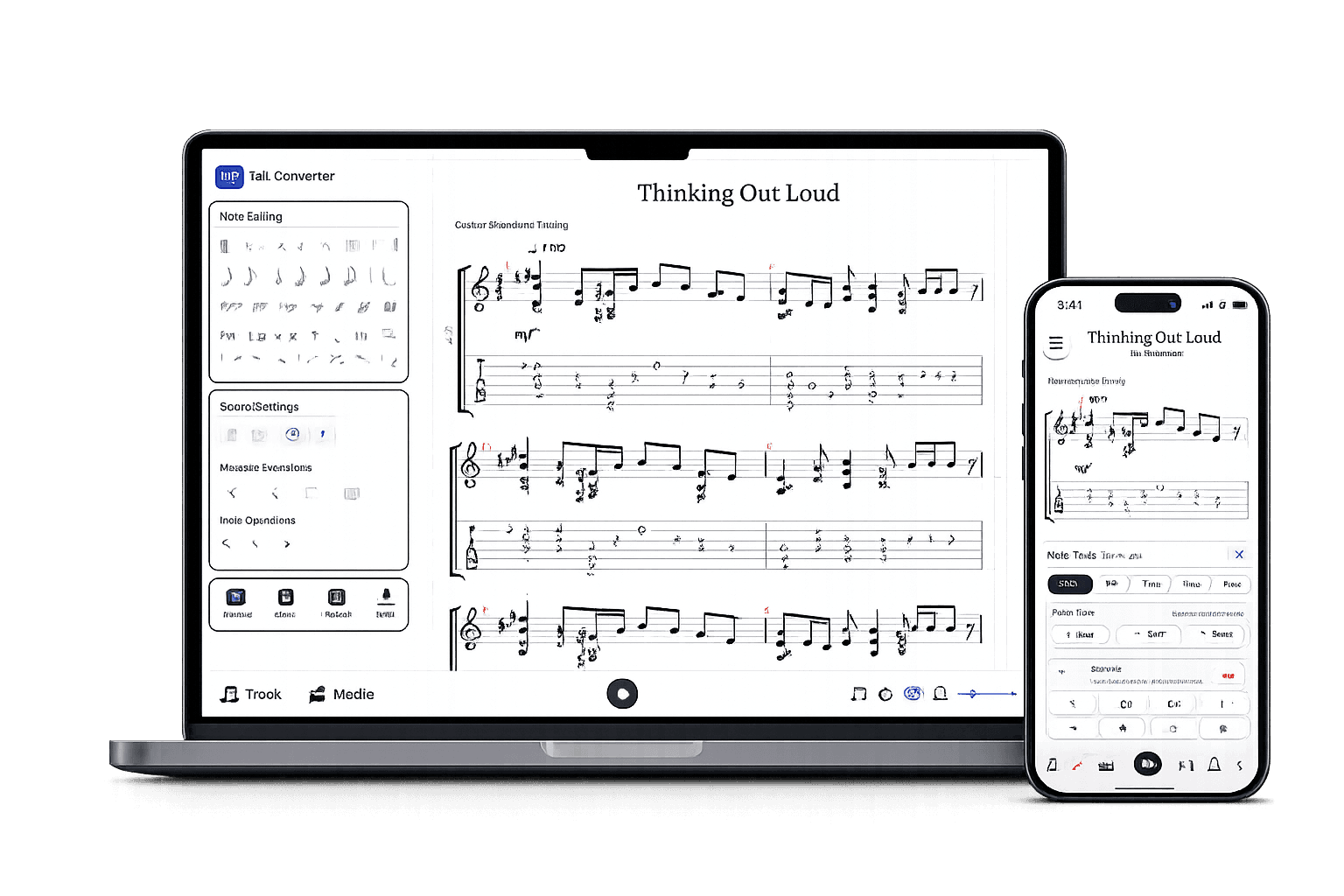
After the AI draft
A real tab editor, not a static download.
Play it back, edit any note, open GP5 or MusicXML you already have, and export in the format you need.
Edit the draft
Fix notes, timing, measures, and fret choices.
Check by ear
Play back, loop bars, match the source.
Export when ready
Guitar Pro, MIDI, PDF, MusicXML.
Guitar tabs made by Tabtify
Open any of them in the editor: play along with media sync, change a note, export to Guitar Pro or PDF.
Bohemian Rhapsody
Jeff Beck
I'm Yours
Jason Mraz
november rain
Guns N Roses
Viva La Vida
Boyce Avenue
Virtual Insanity
Jamiroquai
Cosmic Girl
Jamiroquai
Air
Bach
Here Cpmes The Sun
The Beatles
Wonderful Tonight
Eric Clapton
fix you
Coldplay
Wonderwall
Oasis
Photograph - Ed Sheeran
Ed Sheeran
Frequently Asked Questions
Everything you need to know about Tabtify's AI-powered guitar tab creation platform. From audio conversion to professional export formats.
Can Tabtify convert MP3 to guitar tab?
Can I export an MP3 conversion to GP5?
Does MP3 quality matter?
What if I want MIDI rather than a tab?
Can I convert just one section of the MP3?
Does it detect chords or only single notes?
Related converters
Other ways to start
Converter notes
From source to editable tab
These notes are here for setup context. The main workflow starts above in the converter, then continues in the editor.
- Handles phone recordings, DAW bounces, and old demos alike.
- Describe the instruments in the recording and indicate whether someone is singing before conversion.
- The draft opens in the editor for playback and cleanup before export.
Steps
- 01Upload the MP3 file in the Audio tab.
- 02Choose the instrument setup, then adjust tuning and capo in Advanced if needed.
- 03Convert the MP3 into an editable tab draft.
- 04Use playback and editing tools to clean up the final tablature.
Source quality
- Prefer high-bitrate MP3 files or exports from your DAW instead of compressed social-media audio.
- Trim long songs to the riff, solo, or section you want when you need faster review.
- Choose the real target setup before conversion: acoustic, electric, bass, 7-string, or ukulele.
- MP3 compression can blur fast notes, pick attacks, or quiet harmony parts.
- Dense mixes can need more manual correction in the editor; a clearer recording makes the first draft easier to review.
- The converter transcribes audio; it does not read visual fret positions from a video.