
Live Recording to Tab
Skip the export step: play into your browser microphone and let Tabtify turn the take into an editable draft without leaving the tab first.
Or drag and drop here
MP3, WAV, M4A, OGG, FLAC, AAC, AIFF, MP4, WEBM, .mid or .midi
GP5, GPX, GP, MusicXML, MXL
Guitar, bass, 7-string or ukulele. Free export to Guitar Pro, MIDI, PDF, and MusicXML.
AI-Powered Guitar Tab Generation
Paste a link or file, get an editable draft, then play and export in the browser.
01
Paste a link or upload audio
YouTube, TikTok, Instagram, MIDI, or a recording.
02
AI writes the tab draft
Notes and rhythm land as an editable guitar tab.
03
Play, tweak, export
Loop hard bars. Export GP5, MIDI, PDF, MusicXML.
Use cases
What players convert here
Practice captures
Record a riff or section you're working out and get a rough tab to check your own playing against.
Songwriting sketches
Capture an idea the moment you play it instead of losing it before you can write it down.
Quick teaching answers
Record a short example on the spot to hand a student an immediate reference tab.
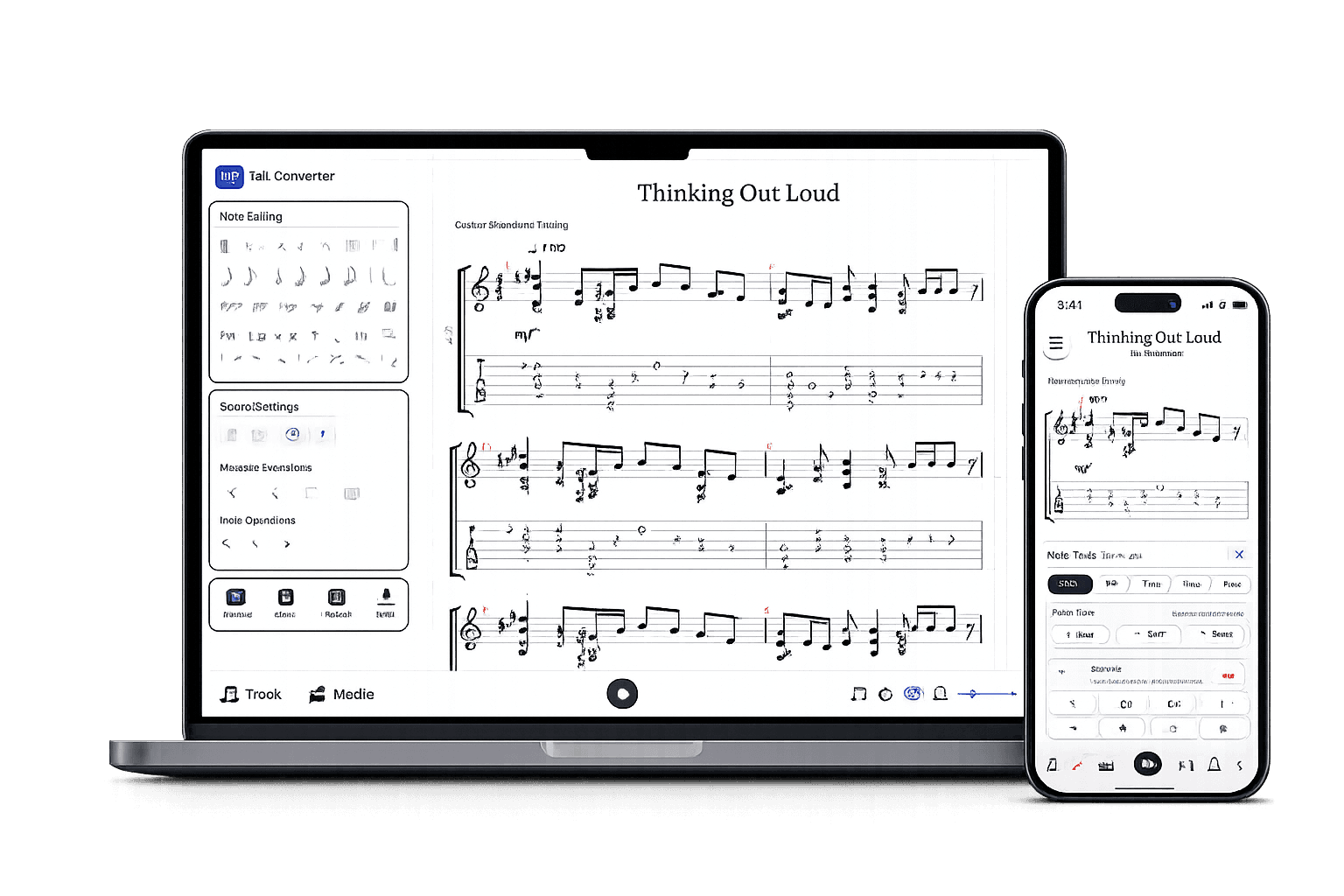
After the AI draft
A real tab editor, not a static download.
Play it back, edit any note, open GP5 or MusicXML you already have, and export in the format you need.
Edit the draft
Fix notes, timing, measures, and fret choices.
Check by ear
Play back, loop bars, match the source.
Export when ready
Guitar Pro, MIDI, PDF, MusicXML.
Guitar tabs made by Tabtify
Open any of them in the editor: play along with media sync, change a note, export to Guitar Pro or PDF.
93 Million Miles
Sungha Jung
Neon
John Mayer
Lithium
Nirvana
Amy
Tommy Emmanuel
Here Cpmes The Sun
The Beatles
Air on a G String
Bach
Air
Bach
Bohemian Rhapsody
Jeff Beck
Virtual Insanity
Jamiroquai
Photograph - Ed Sheeran
Ed Sheeran
Adelita
Francisco Tárrega
november rain
Guns N Roses
Frequently Asked Questions
Everything you need to know about Tabtify's AI-powered guitar tab creation platform. From audio conversion to professional export formats.
Can I record my guitar playing directly in the browser?
Do I need special recording equipment?
Why is recorded audio sometimes less accurate than an uploaded file?
Can I re-record if the first take doesn't sound right?
Related converters
Other ways to start
Converter notes
From source to editable tab
These notes are here for setup context. The main workflow starts above in the converter, then continues in the editor.
- No file prep: record directly in the browser, then send the take straight into transcription.
- Useful for testing riff ideas, warm-ups, and quick practice captures before committing to a full recording.
- Same instrument setup and editor as audio uploads once the recording is captured.
Steps
- 01Grant microphone access and start recording in the Record tab.
- 02Play the riff or section, then stop the recording when finished.
- 03Choose the instrument setup, then adjust tuning and capo in Advanced if needed.
- 04Convert the recording and refine the generated tab in the editor.
Source quality
- Record in a quiet room; browser mics pick up fans, traffic, and room echo more than a dedicated audio interface.
- Play close to the mic and keep a consistent volume, especially for fingerstyle or quiet passages.
- Keep takes short and focused on one riff or section so playback and cleanup stay fast.
- Laptop and phone microphones capture less detail than a direct line-in or a dedicated audio interface, so expect more manual correction than with a clean upload.
- Background noise, room reverb, and mic self-noise reduce transcription accuracy more than they would for a studio recording.
- Browser recording requires microphone permission and a supported browser; if permission is denied, upload an existing audio file instead.