
PDF to Guitar Tab
Upload a PDF, a screenshot, or a photo of a printed page. Tabtify reads the tab or the notes on the staff and opens a tab you can play back, correct, and export.
Or drag and drop here
MP3, WAV, M4A, OGG, FLAC, AAC, AIFF, MP4, WEBM, .mid or .midi, PDF, PNG, JPG
AI conversion is part of Pro and Max. The editor and every export are free. Write tab by hand
GP5, GPX, GP, MusicXML, MXL
Guitar, bass, 7-string or ukulele. Free export to Guitar Pro, MIDI, PDF, and MusicXML.
AI-Powered Guitar Tab Generation
Paste a link or file, get an editable draft, then play and export in the browser.
01
Paste a link or upload audio
YouTube, TikTok, Instagram, MIDI, or a recording.
02
AI writes the tab draft
Notes and rhythm land as an editable guitar tab.
03
Play, tweak, export
Loop hard bars. Export Guitar Pro (.gp), MIDI, PDF, MusicXML.
Use cases
What players convert here
PDF tabs you already have
Turn a PDF tab from a lesson, a forum, or an old download into a file you can play back, slow down, and edit.
Classical guitar scores
Read a score in standard notation and get it as tab, with the melody and the bass line kept as two voices.
Pages from a songbook
Take a photo of a page you are learning from and keep working on it in the editor.
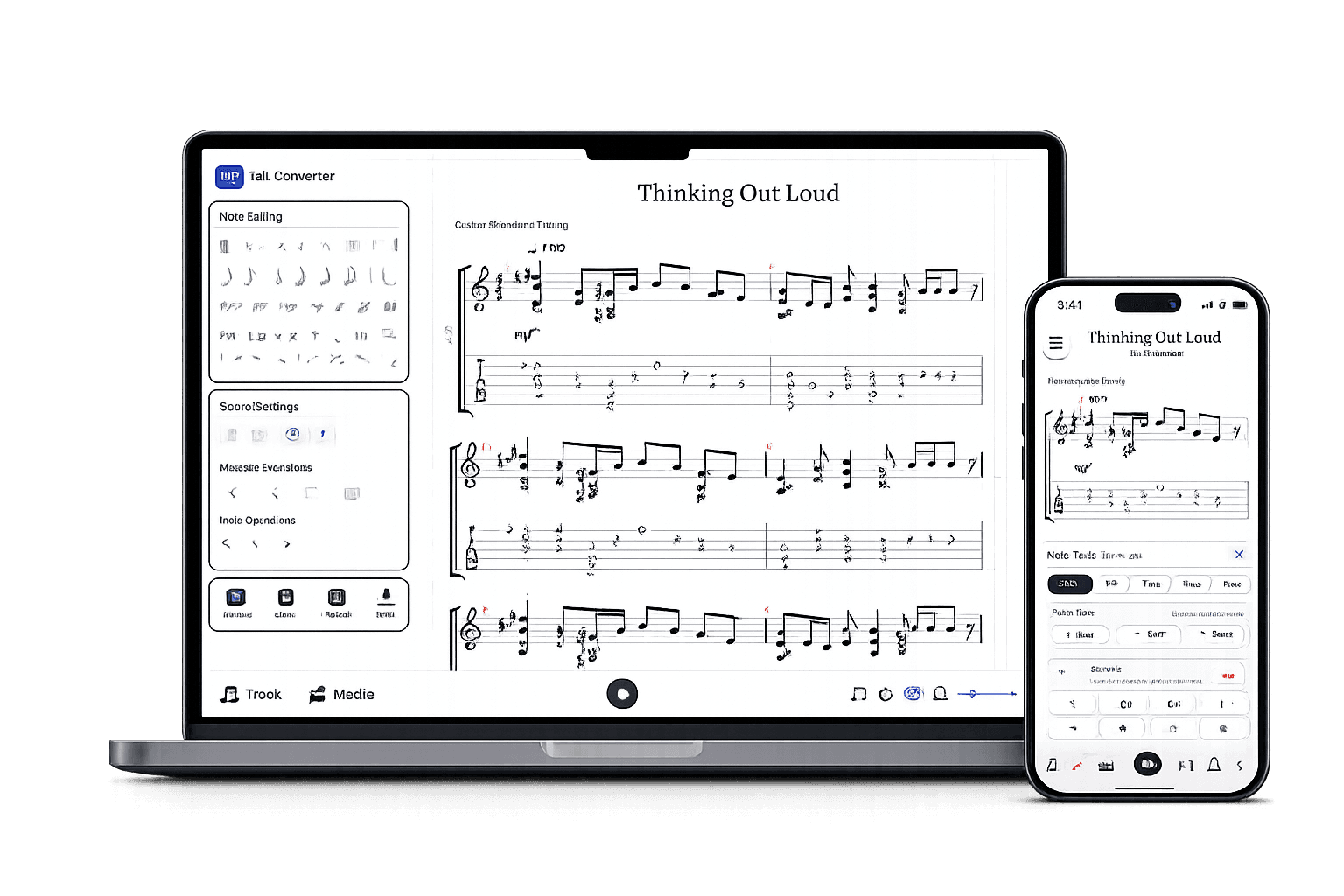
After the AI draft
A real tab editor, not a static download.
Play it back, edit any note, open GP5 or MusicXML you already have, and export in the format you need.
Edit the draft
Fix notes, timing, measures, and fret choices.
Check by ear
Play back, loop bars, match the source.
Export when ready
Guitar Pro, MIDI, PDF, MusicXML.
Frequently Asked Questions
Everything you need to know about Tabtify's AI-powered guitar tab creation platform. From audio conversion to professional export formats.
Can I convert a PDF to guitar tab?
Can I turn a PDF tab into a Guitar Pro file?
Does it work with a photo or a screenshot?
My PDF is sheet music without tab. Will it work?
How many pages can I convert at once?
I have a MusicXML or Guitar Pro file, not a PDF.
Related converters
Other ways to start
Converter notes
From source to editable tab
These notes are here for setup context. The main workflow starts above in the converter, then continues in the editor.
- Tab on the page keeps its printed frets and strings, so the fingering stays as written.
- Sheet music without tab is placed on the neck with the same mapping Tabtify uses for MIDI files.
- PDFs up to 8 pages and images in PNG, JPG, or WebP.
Steps
- 01Upload a PDF or an image of guitar tab or sheet music.
- 02Leave Auto selected, or set strings, tuning, and capo for pages that only have standard notation.
- 03Tabtify reads each page and builds the tab.
- 04Play it back, fix any notes, then save or export to Guitar Pro, MIDI, PDF, or MusicXML.
Source quality
- Use the original PDF when you have it. It reads better than a photo of a screen or a printout.
- Photograph the page flat and in good light, with the whole page in the frame.
- Split long scores into parts of up to 8 pages.
- Handwritten tab and very small or blurry print can come out with wrong notes in places.
- Bends, slides, hammer-ons, and other techniques are not carried over yet. The notes and the rhythm are.
- Repeats come out once, as printed, not written out in full.
- Lyrics and chord names above the staff are left out.