Comparison
Best Audio to Guitar Tab Converters
Audio-to-tab tools vary a lot. The important question is not whether a tool can process an MP3, but whether it gives you a playable tab you can verify and improve.
 By the Tabtify teamUpdated September 1, 20268 min read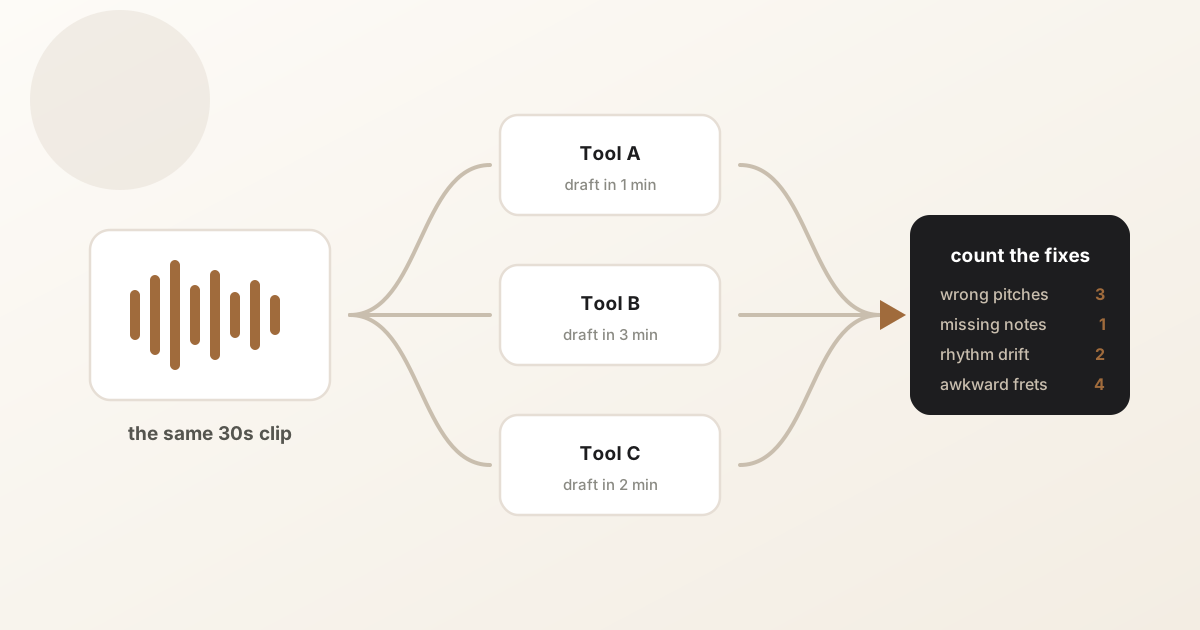
In short: A practical guide to choosing an audio-to-guitar-tab converter for MP3, WAV, covers, solos, riffs, and bass lines.
Start with the source quality
Clean guitar-forward audio is the biggest quality lever. A solo guitar take, a cover video, or an isolated stem usually works better than a dense mastered track.
If the guitar is hidden behind vocals, drums, or heavy effects, the AI has to guess more often. Start with the clearest section you can find before asking for a full arrangement.
- Use MP3, WAV, M4A, FLAC, or another clean audio source when available.
- Convert short sections before full songs when learning a difficult part.
- Avoid loud voiceover, crowd noise, or a full mix where the guitar is buried.
Check whether the output is editable
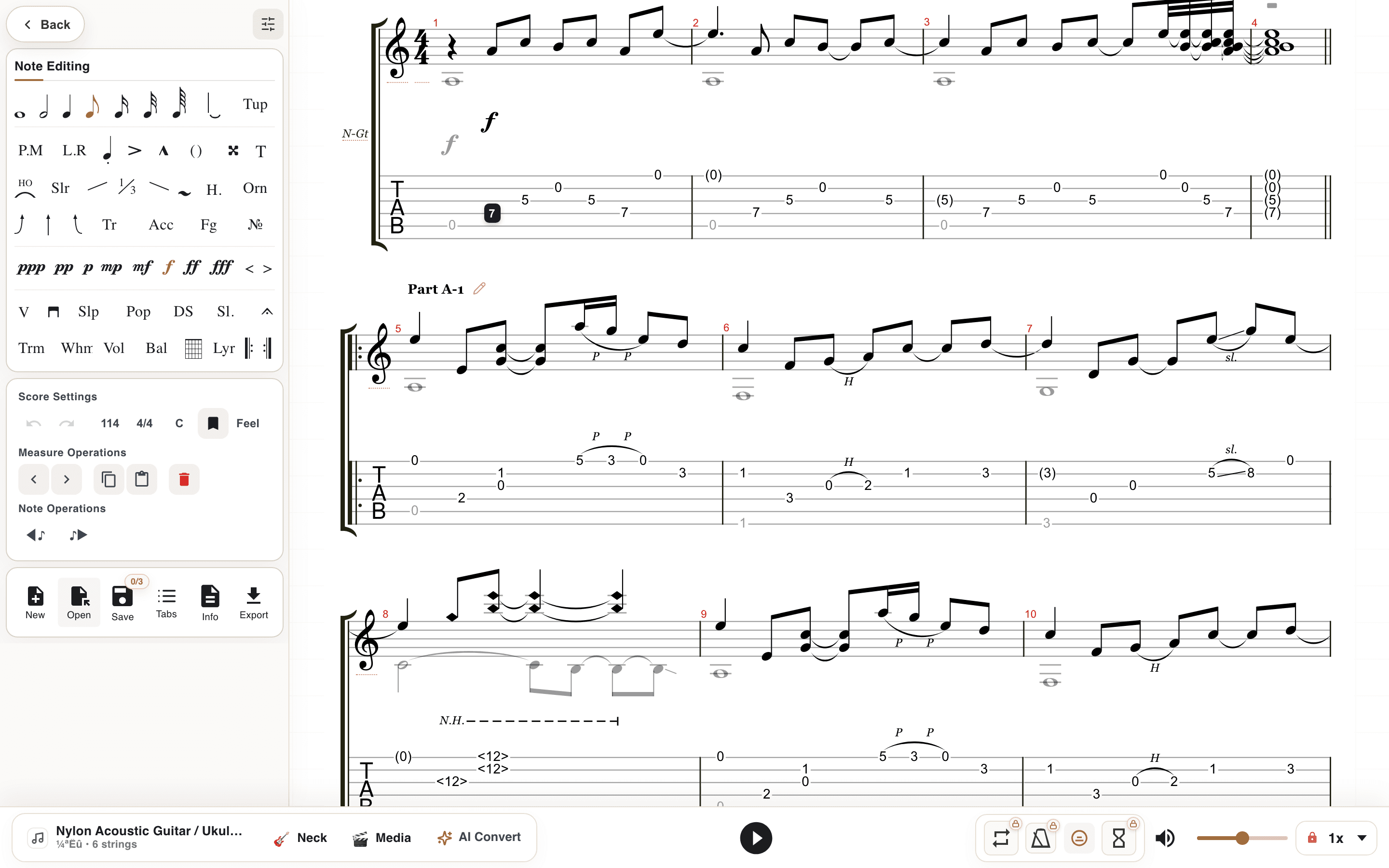
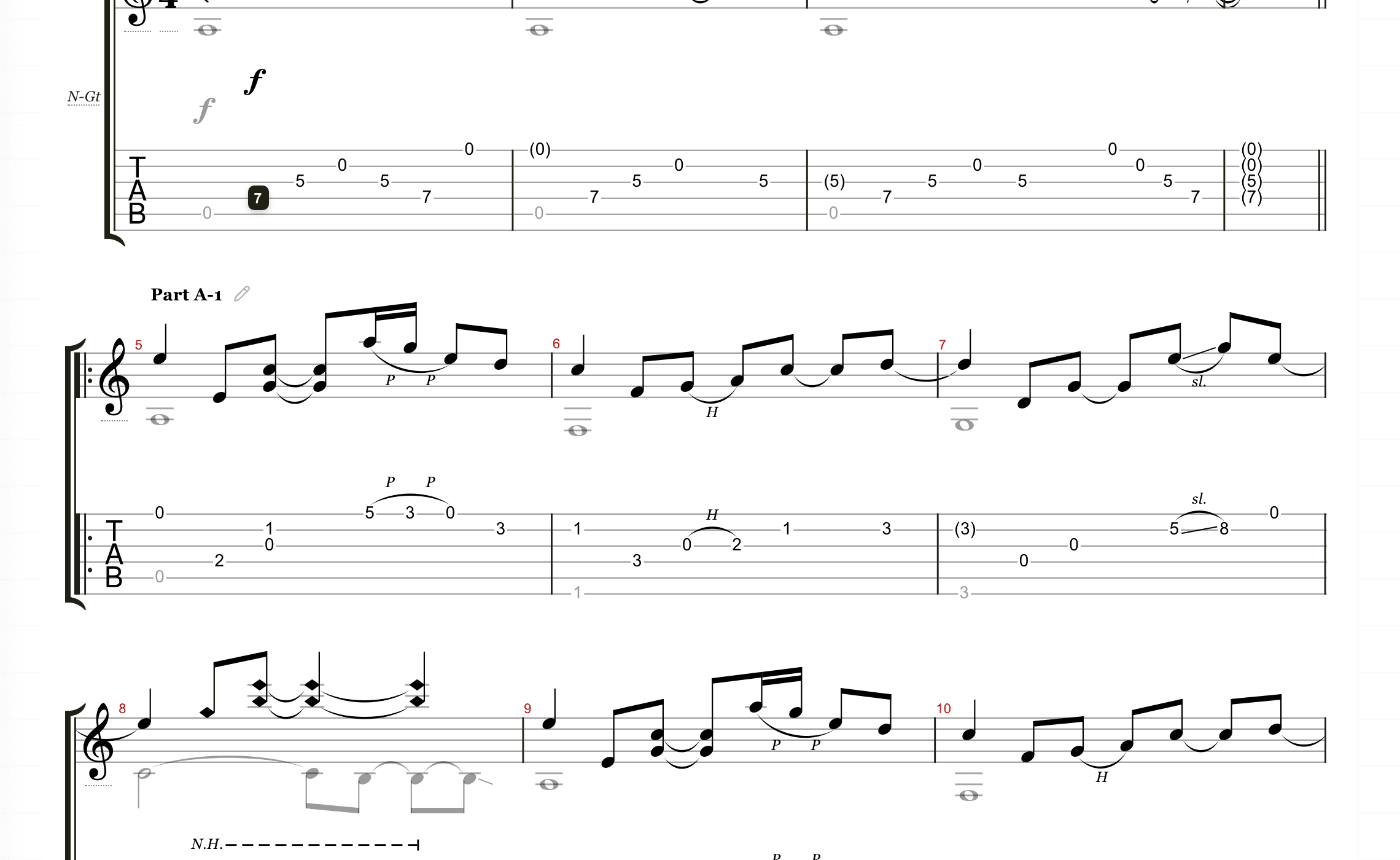
Static output is limiting because AI results need review. Editable tabs let you fix positions, measures, rhythm, string choice, and export settings after conversion.
That edit step is not a failure of AI transcription; it is how musicians turn a rough draft into something playable and teachable. A converter that hands you a PDF has decided the draft is finished. A converter that hands you an editable file admits the truth: the last ten percent is yours.
Prefer tools with instrument setup
Before converting, choose the actual target instrument. A bass line should not be mapped like a guitar solo, and a 7-string riff needs a different range than standard tuning.
The closer your setup is to the real instrument, the less time you spend moving notes after conversion.
Run one test clip before you commit
Pick a 30 second section you know well and feed the exact same file to each tool you are considering. Count what you have to fix: wrong pitches, missing notes, rhythm that drifts from the recording, and fret choices no hand would make.
Then time the whole job, conversion plus cleanup. A converter that outputs in one minute but fights you in the editor loses to one that takes three minutes and hands you a draft you can repair quickly. The test costs fifteen minutes and settles the choice with your own material.
Tabtify's angle
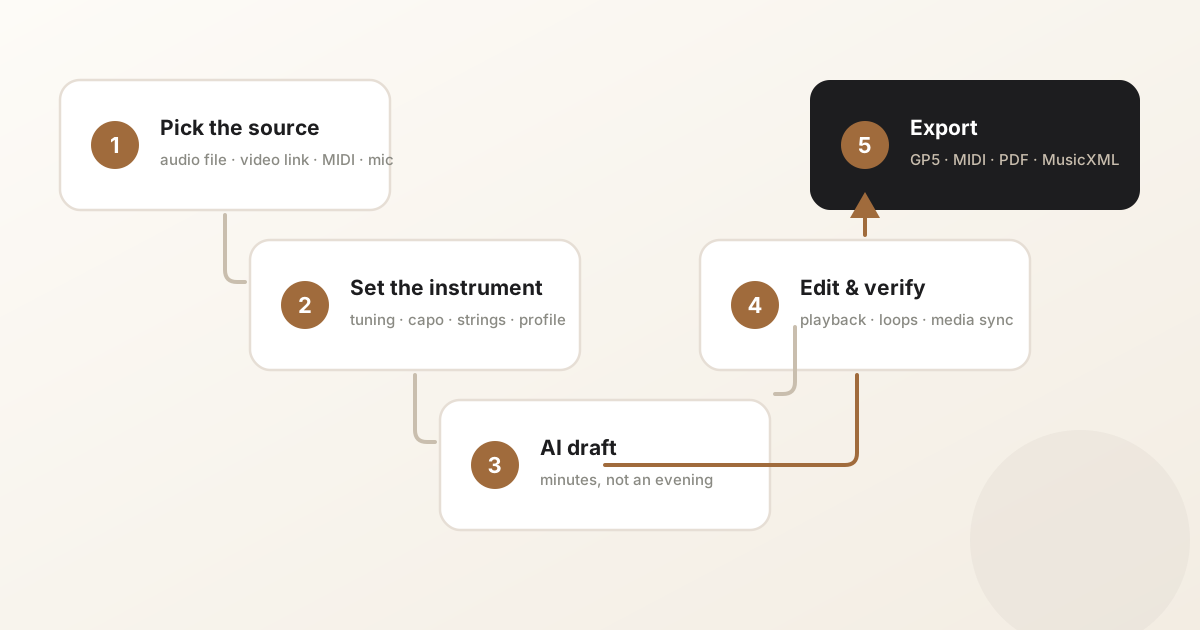
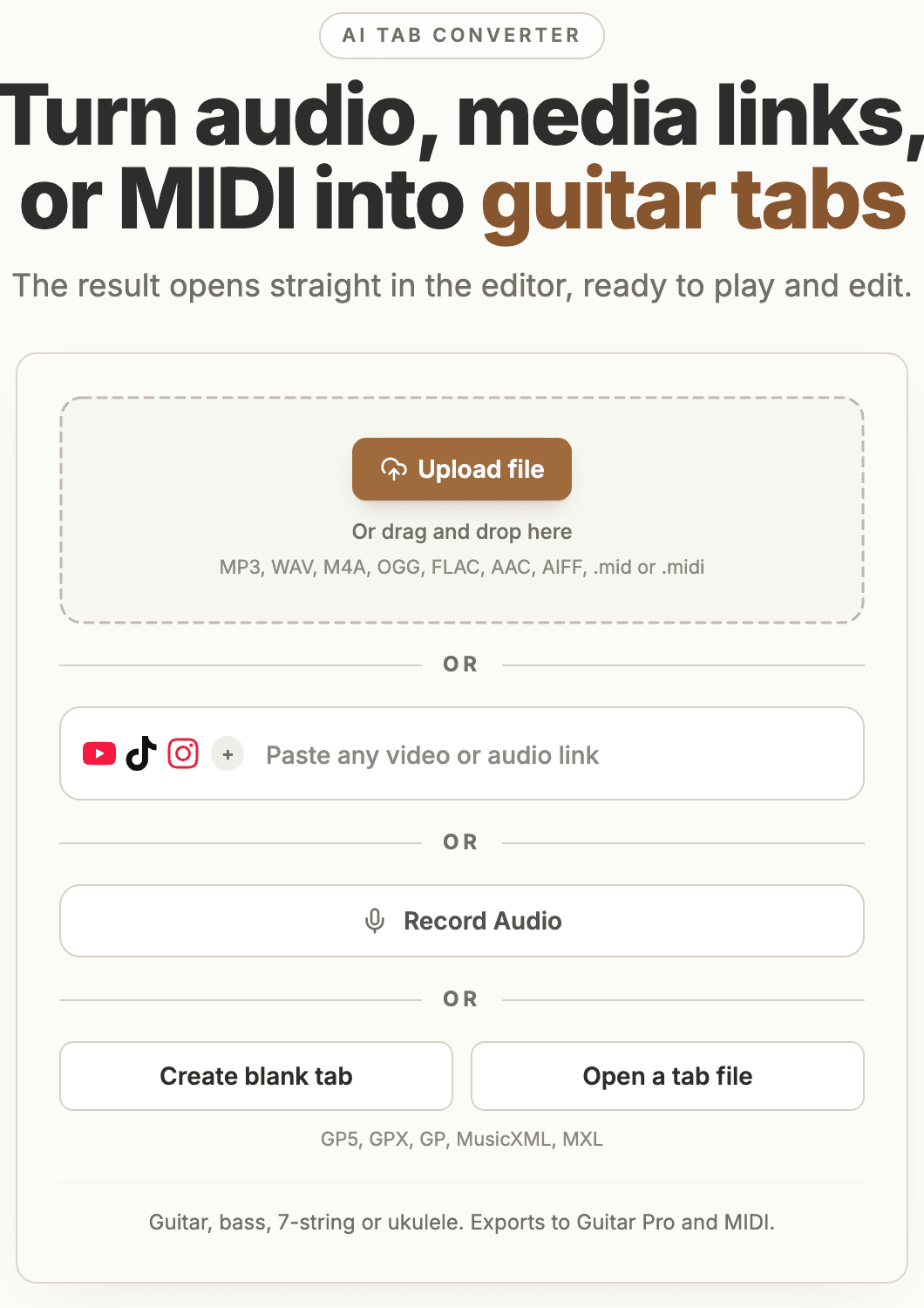
Tabtify is built around the full workflow: upload or paste a source, choose instrument setup, create an AI draft, then edit and practice inside the same workspace.
That makes it a better fit for players who want to learn, correct, and reuse the result rather than download a one-off transcript.
The checklist, compressed
Five questions separate the converters worth paying for from the rest. Ask them in order, and stop at the first no.
Every tool on the market answers these five differently, and the answers matter more than the accuracy claims on the landing page - accuracy varies with your source material anyway, which is why the test clip above beats any marketing number.
- Can it read your sources - the files you actually have, the links you actually save?
- Can you set instrument, tuning, and capo before it converts?
- Is the output editable, with playback to check it against the recording?
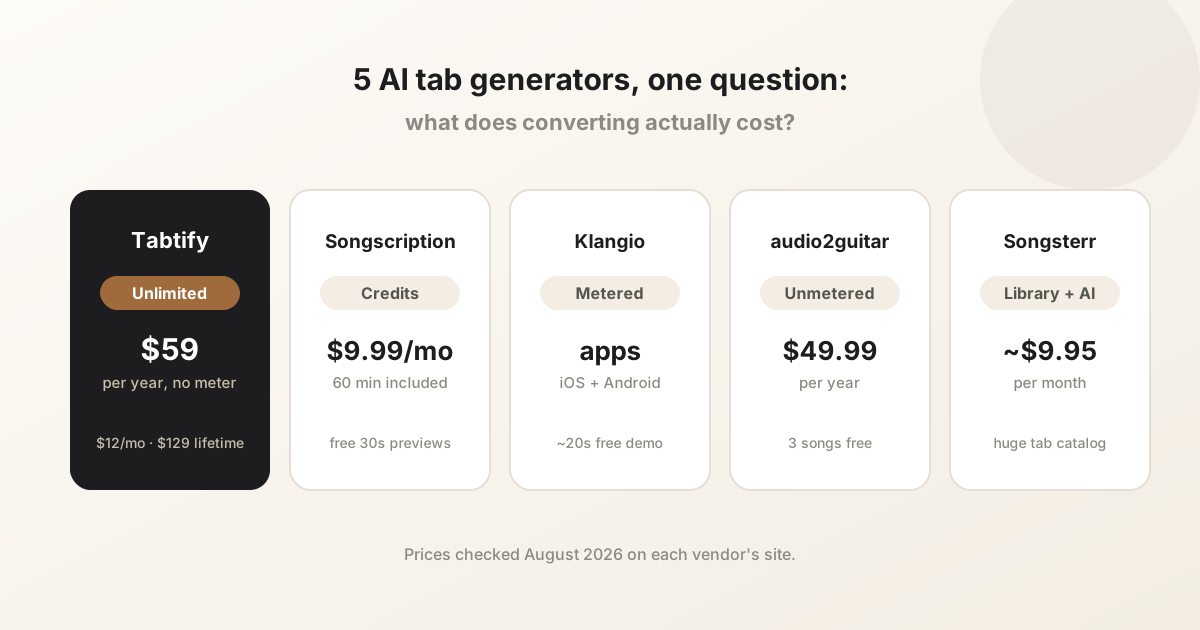
- Does the pricing model fit your volume - metered credits or unlimited?
- Can you export to the formats your other software expects?
Common questions
Can I convert MP3 to guitar tabs?
Yes. MP3 files can be used as audio sources, though cleaner files and shorter sections usually produce better drafts.
Can audio-to-tab converters handle full songs?
They can, but full songs are harder. For best results, convert the clearest section first and review the output in an editor.
Do I need Guitar Pro?
Not necessarily. A browser-based editor can open and edit Guitar Pro style files, then export when you need a local file.
Do these converters work for bass lines too?
The good ones do. Look for 4-, 5-, and 6-string setup rather than a guitar-only pitch range, because bass parts mapped onto guitar strings come out unplayable.
Have a recording of the part?
Upload it and get an editable tab draft you can check bar by bar against the original. Conversion is included with Pro.
Next steps
Try it on your own recording
Related guides
All guides